Fit the numbers.
Fill the zoo.
Drag across the board to draw a block that covers exactly as many tiles as its number. Get it right and an animal pops up to claim it. Fill the whole board to throw a forest party.


Try it: drag across the tiles. Tap an animal to poke it. With a keyboard, use the arrow keys and press Enter to start and finish a block.
The whole game is one idea
Draw a block
Drag across empty tiles. A 3 needs three tiles, a 4 needs four, in any rectangle that fits.
One number each
Every block holds exactly one number, so the numbers tell you where blocks can and can’t go.
Mind your hearts
A wrong block makes an animal grumpy and breaks a heart. You get three per try.

A new kind of board every 10 levels
Little critters, big beasts, tall towers and giant boards. 1,000 levels that start easy and keep getting smarter.
- Little crittersLevel 35 · 6×6
- Big beastsLevel 45 · 6×6
- CrowdLevel 75 · 7×7
- Big animalsLevel 85 · 7×8
- TallLevel 115 · 9×7
- NineLevel 145 · 9×9
- GiantsLevel 165 · 9×9
- TowerLevel 175 · 10×9
A cozy forest zoo in your pocket
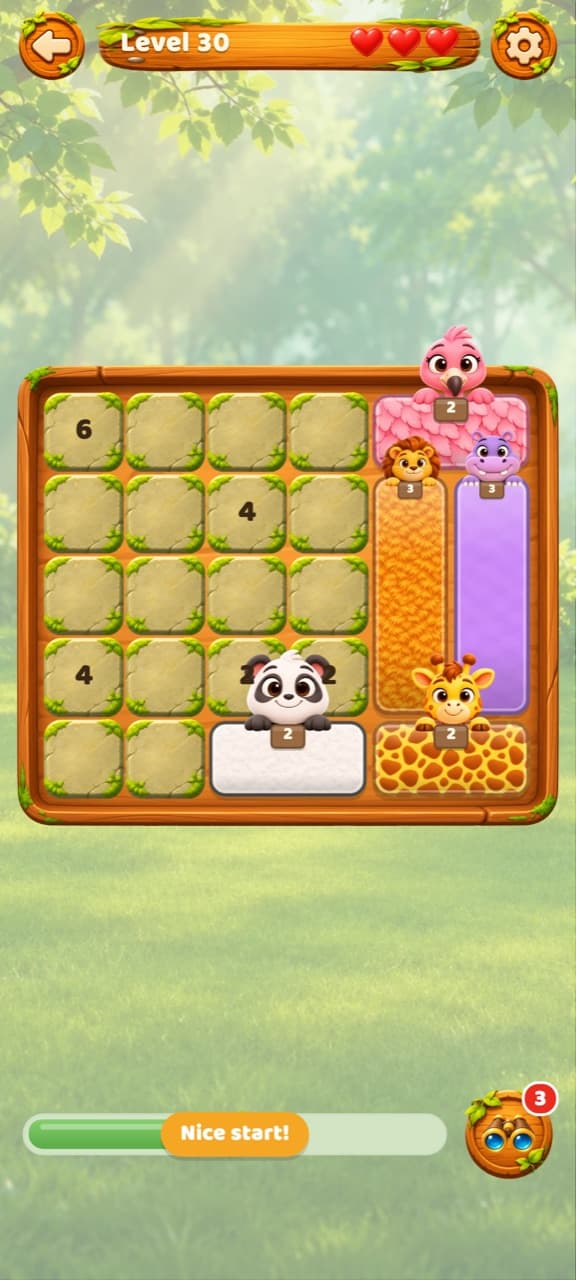
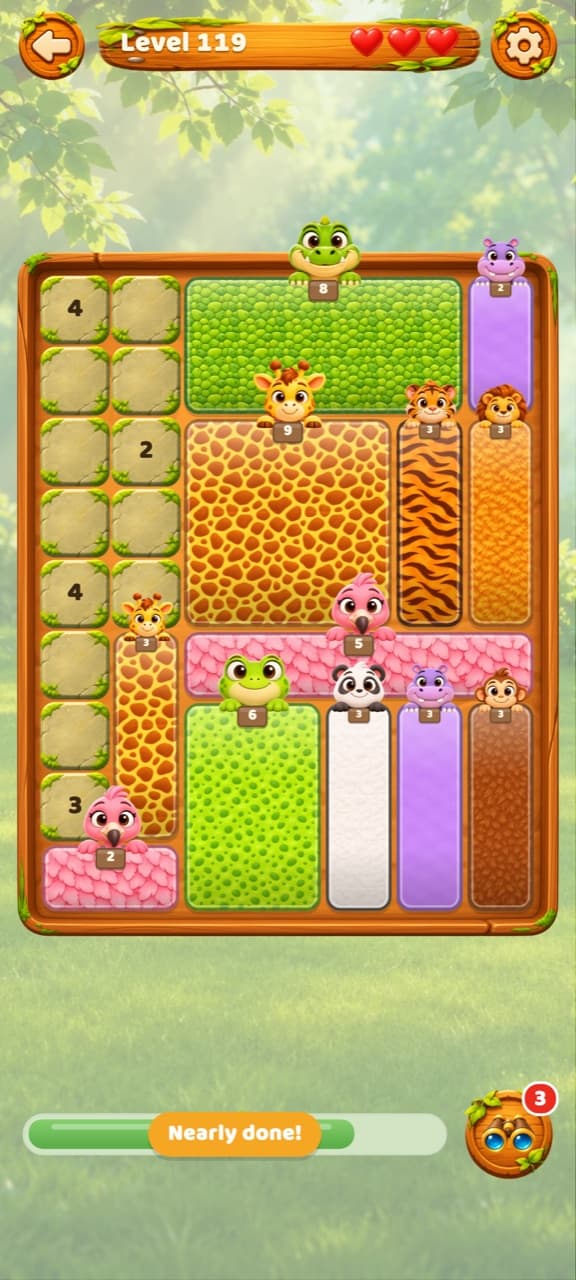
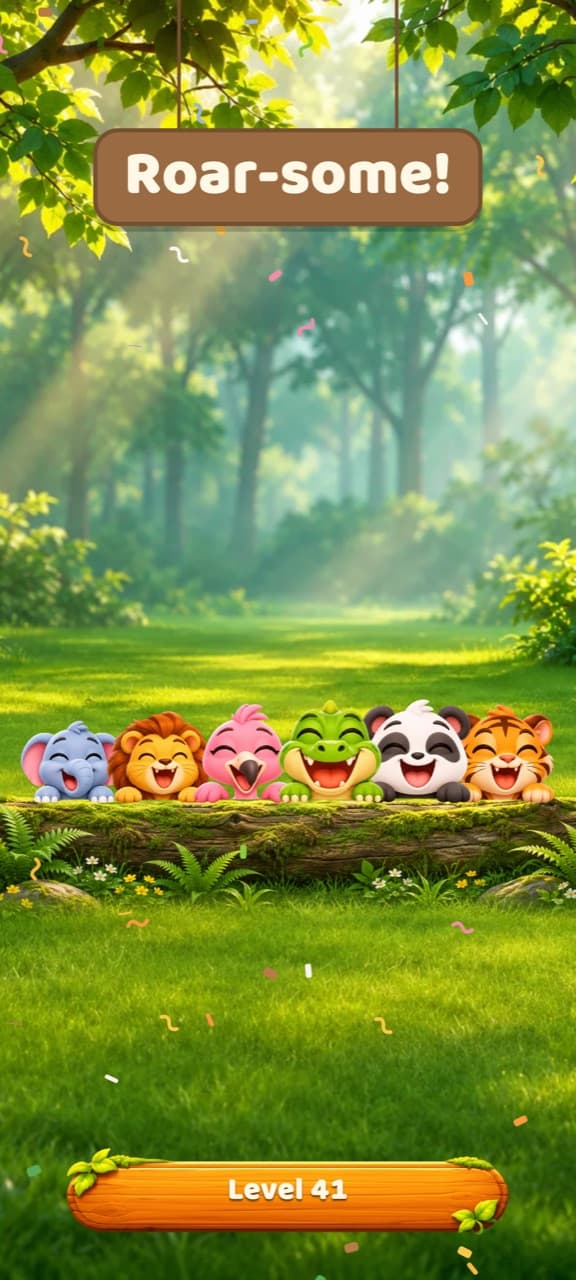
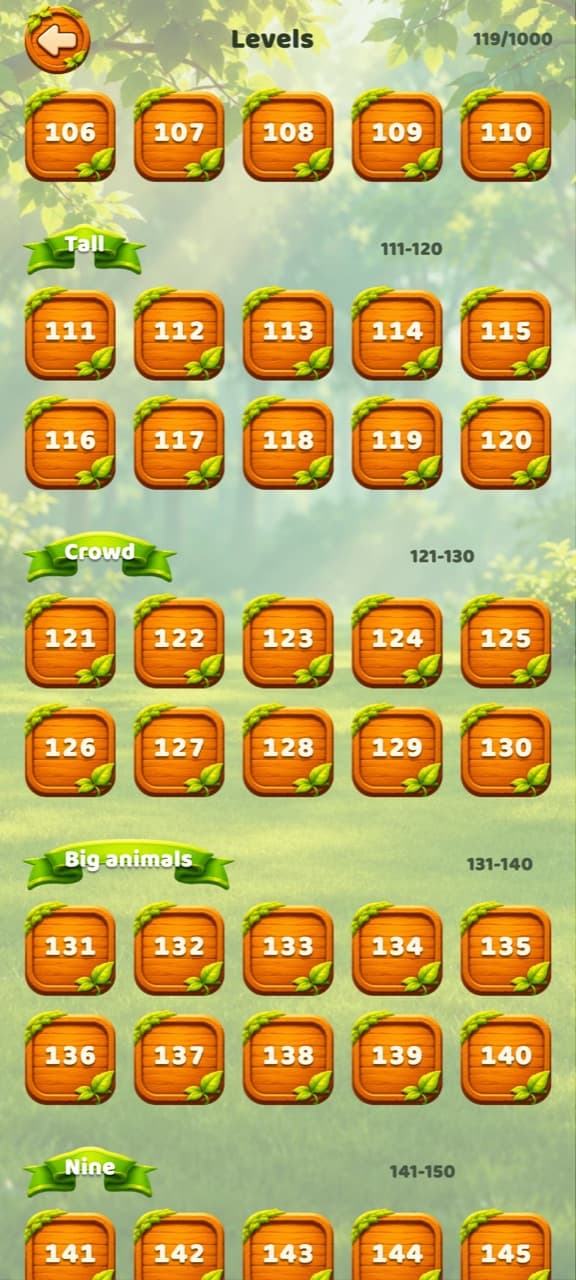
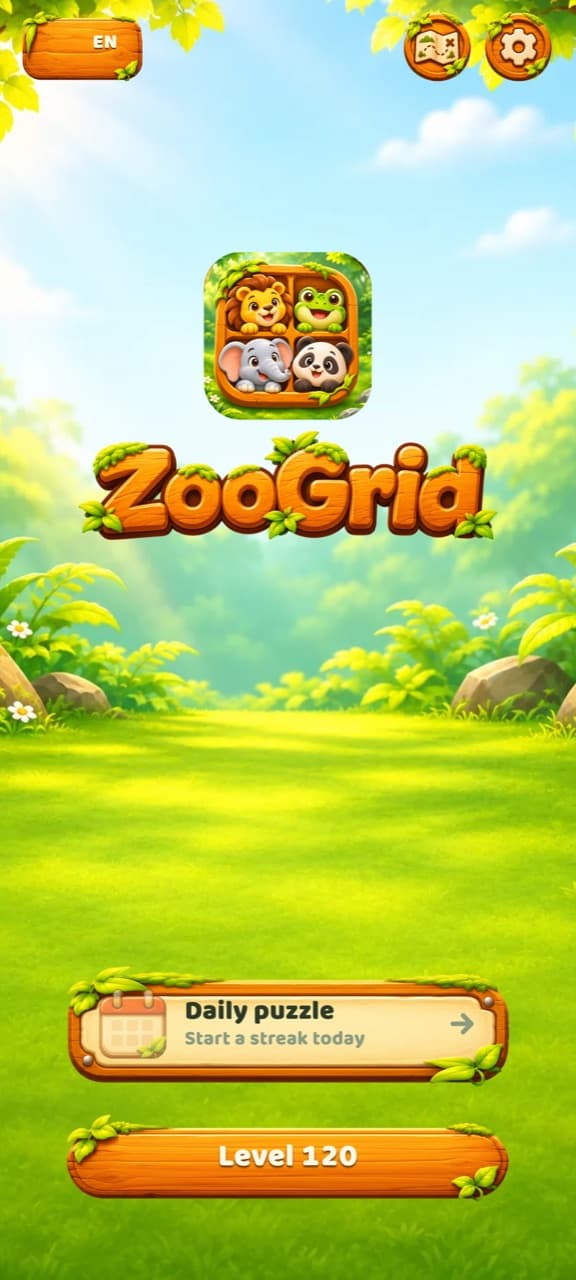
Free, and it stays out of your way
Every level is free
All 1,000 of them. Nothing is locked behind a purchase.
Ads stay out of the puzzle
A banner below the board, and now and then a short ad between levels. Never in the middle of a board. Videos for extra hearts or hints are always your choice.
No account
Nothing to sign up for. Your progress stays on your phone.
Plays offline
Every level is inside the app, so a flight or a tunnel is fine.
Everything else
How do I play?
Drag across empty cells to draw a rectangle. Each rectangle must hold exactly one number and cover exactly that many cells. When it is right, an animal pops up to claim it. Fill the whole board to finish the level.
Do I have to start dragging on the number?
No. Start on any empty cell. Numbers can sit anywhere inside their block, so you can drag from any corner. A selection can never cover an animal that is already placed.
Is every level possible?
Yes. Each of the 1,000 levels is checked by a solver before it ships and has exactly one solution, so there is never any guessing.
I am stuck. What can I do?
Tap the binoculars to use a hint: an animal moves into place for you. You start with three hints and earn another every 10 levels you clear. With none left, you can watch a short video for one. You can also send an animal back: poke it five times and it gets fed up and leaves.
What happens when I run out of hearts?
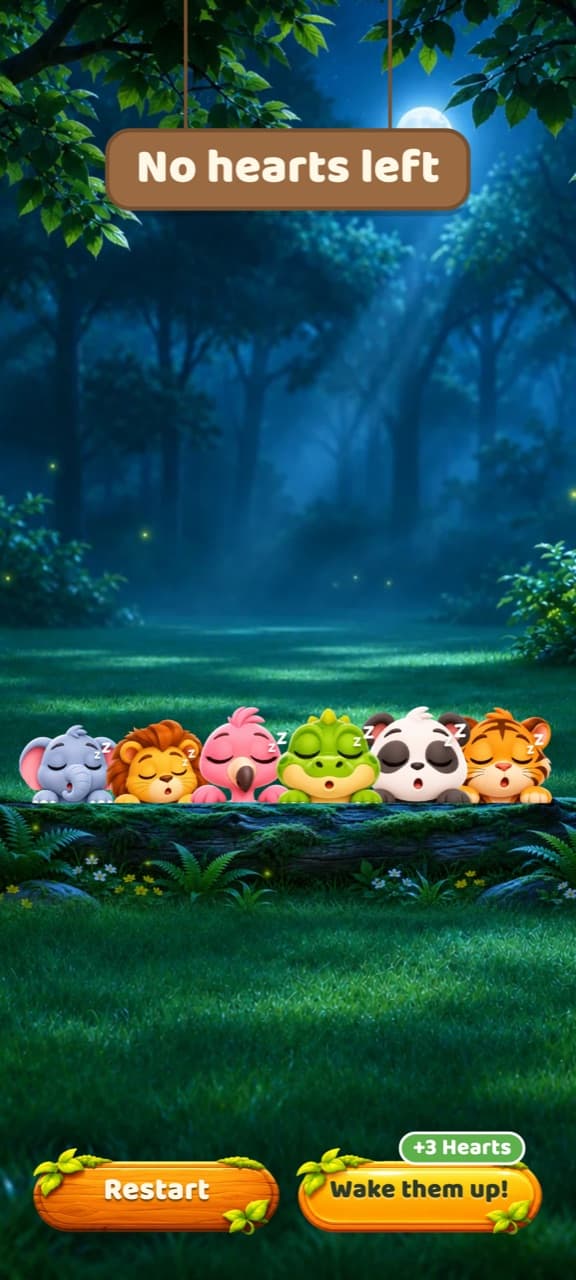
You can watch a short video for three more hearts and keep the same board (up to twice per try), or restart the level.
Does it work offline?
Yes. Every level is inside the app and your progress is saved on your phone. You only need a connection for ads.
What happens after the last level?
When you finish all 1,000 levels, you get a celebration and the choice to start over from level 1. Your hints and settings stay.
Will I lose my progress if I change phones?
Progress is stored on the device, so it does not move to a new phone, and uninstalling the app removes it.
Are those real animal sounds?
Yes. Every animal plays a real recording: a lion roar, an elephant trumpet, a frog croak and more. The recordings come from Wikimedia Commons, and their authors are credited in the app under Settings → Credits.
Can I turn off the sounds or vibration?
Yes. Open Settings and tap Sound or Vibration. You can also hide the number signs on placed animals with Block count.
Something else? Write to hello@krapton.com
1,000 boards,
one animal at a time
Free on Google Play. No account, and it plays offline.